

Live preset editors

Your preset. Your next move.

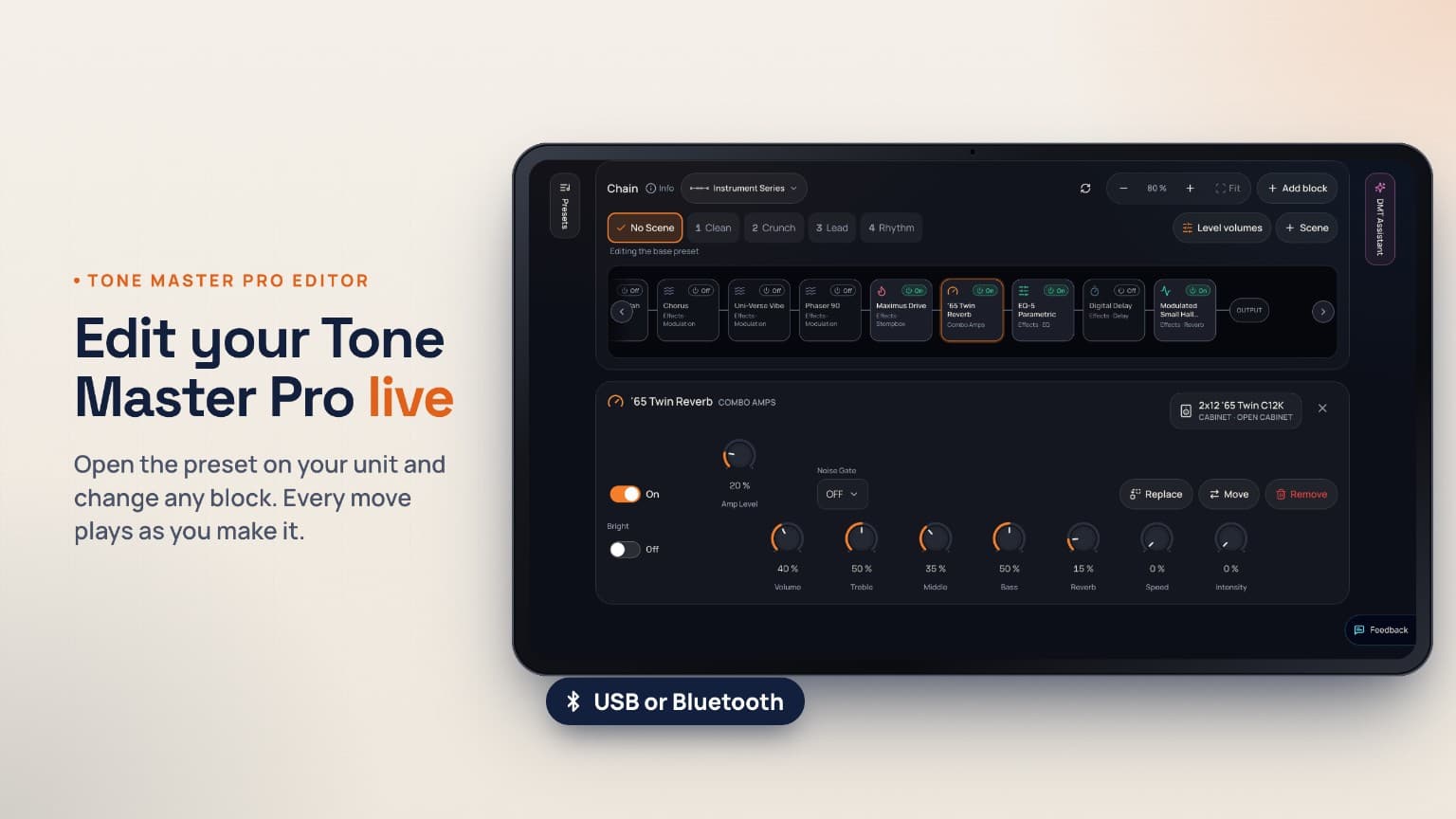
Edit the sound already on your rig with live controls. Dial it in yourself, or ask the DMT Assistant for changes you review first.

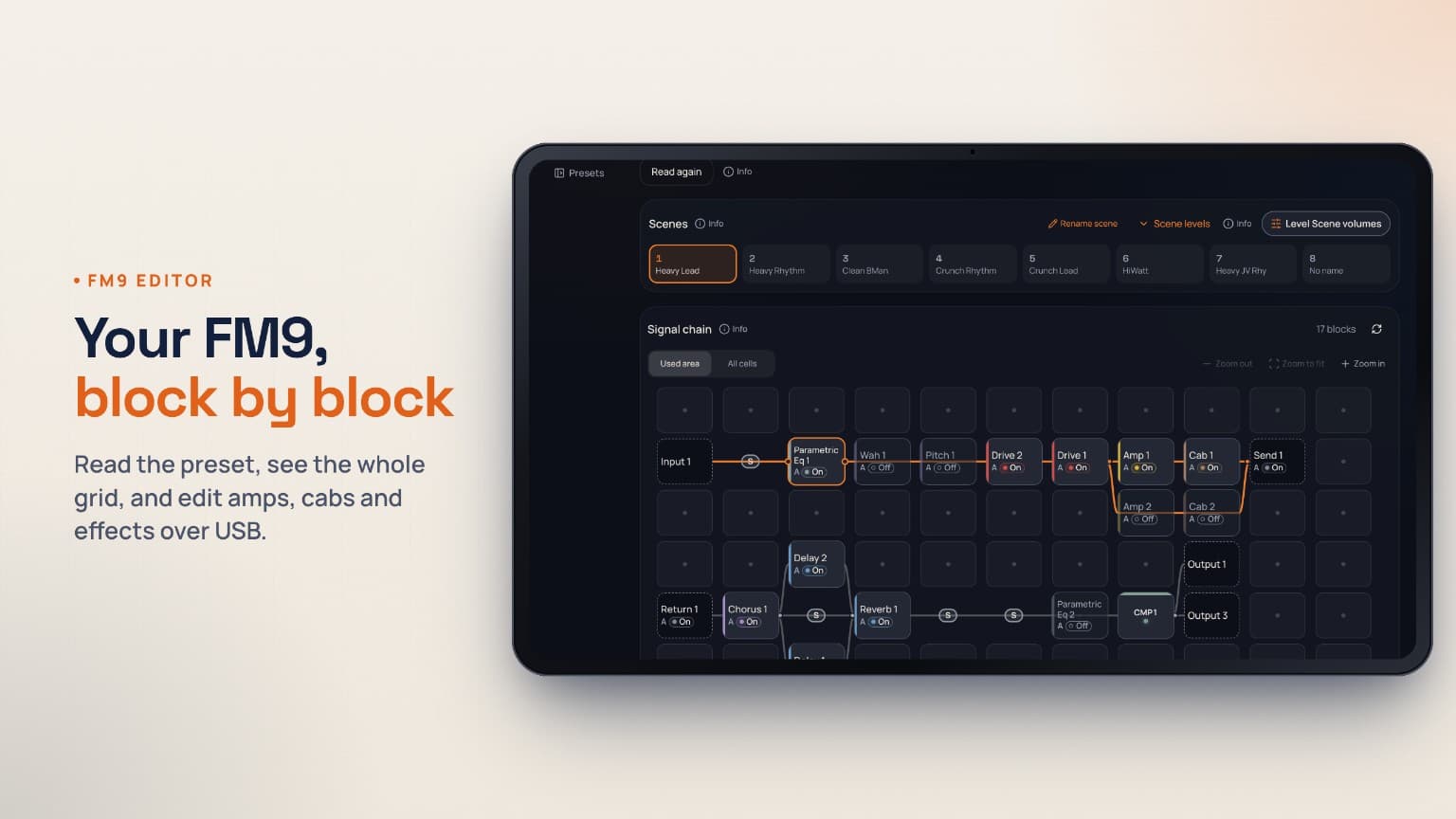
Dial My Tone FM9 editor showing Fractal grid routing, Scenes and amp controls

Fractal Audio editor

FM9

  • Live grid, block and A–D channel controls
  • Eight Scenes, graphical EQ and DynaCab placement
  • Undo, A/B Compare and the optional DMT Assistant

USB MIDI with SysEx. Desktop Chrome or Edge recommended; USB MIDI in the current DMT Android app.

Live manual editingOptional DMT Assistant

A better way to get from almost to right.

  1. 01

    Start with your preset

    Connect and read the sound already on your unit.

  2. 02

    Make it yours

    Adjust controls by hand, or ask DMT Assistant to suggest changes.

  3. 03

    Review and listen

    Choose the changes to accept, then hear and compare them.

  4. 04

    Save when you're ready

    Store on your unit or keep a copy in your DMT library.

Check your setup before connecting. Sign in when you’re ready to edit.

Dial My Tone

AI-generated guitar tone presets and signal chains for the modelers you actually play — a fast, dial-in starting point, not studio replication.

Available on Android

Get it on Google Play
Theme
Follow

© 2026 Dial My Tone LLC. All rights reserved.

Dial My Tone LLC
522 W Riverside Ave, Ste N
Spokane, WA 99201, United States

Tone outputs are AI-generated starting points provided “as is,” without warranty. Verify settings and protect your hearing and equipment before use.

Product and device names are trademarks of their respective owners and are used only to describe compatibility. Dial My Tone is not affiliated with, endorsed by, or sponsored by any manufacturer.